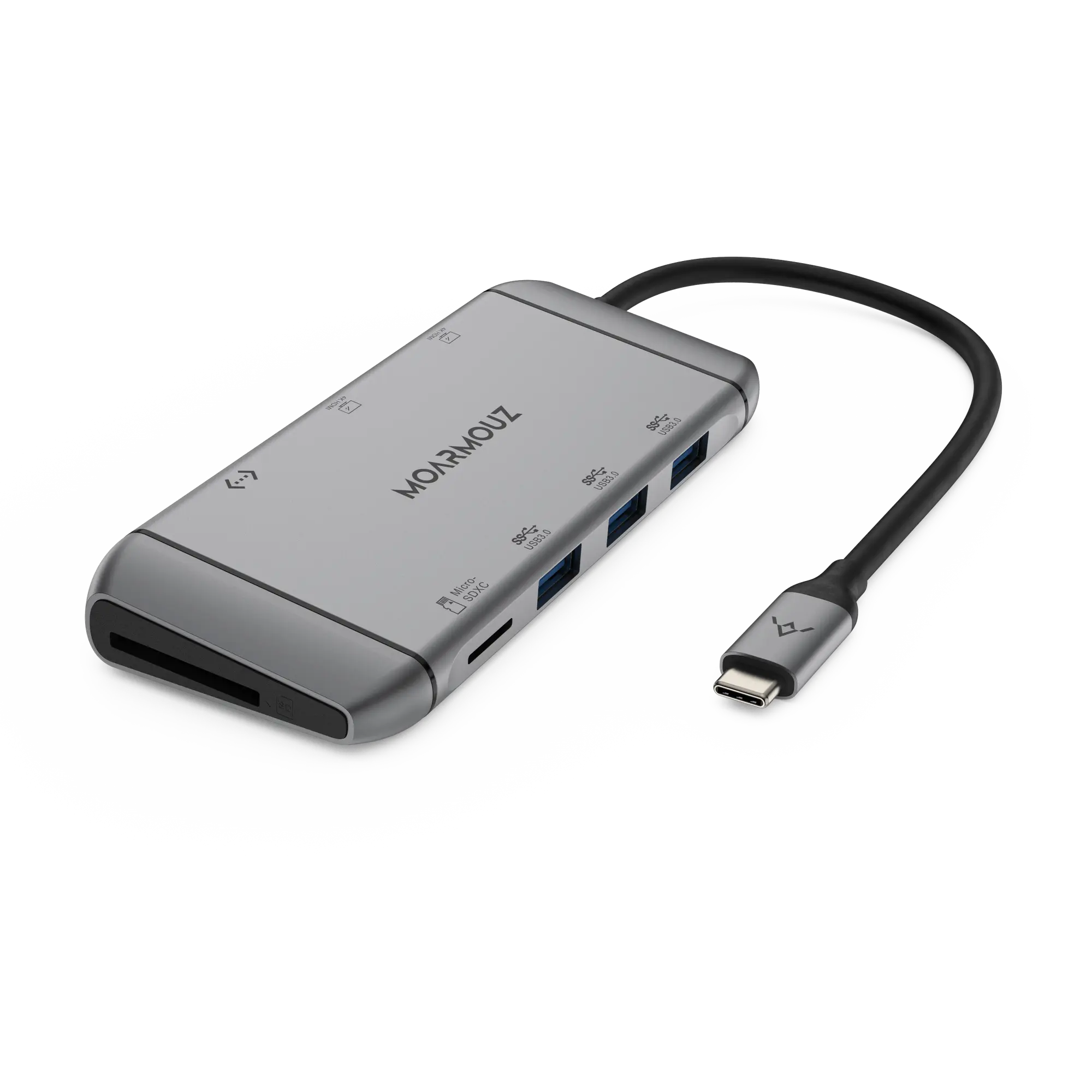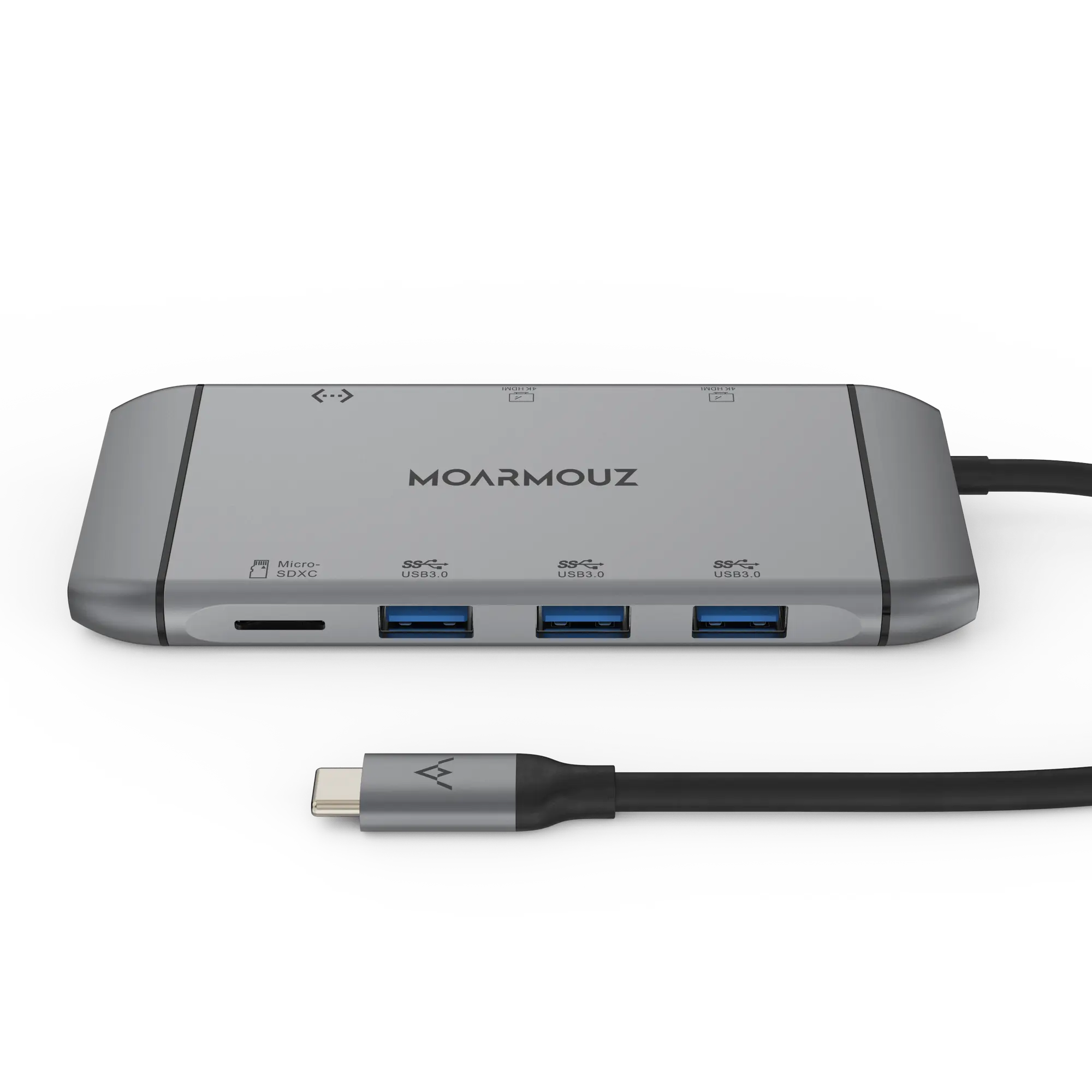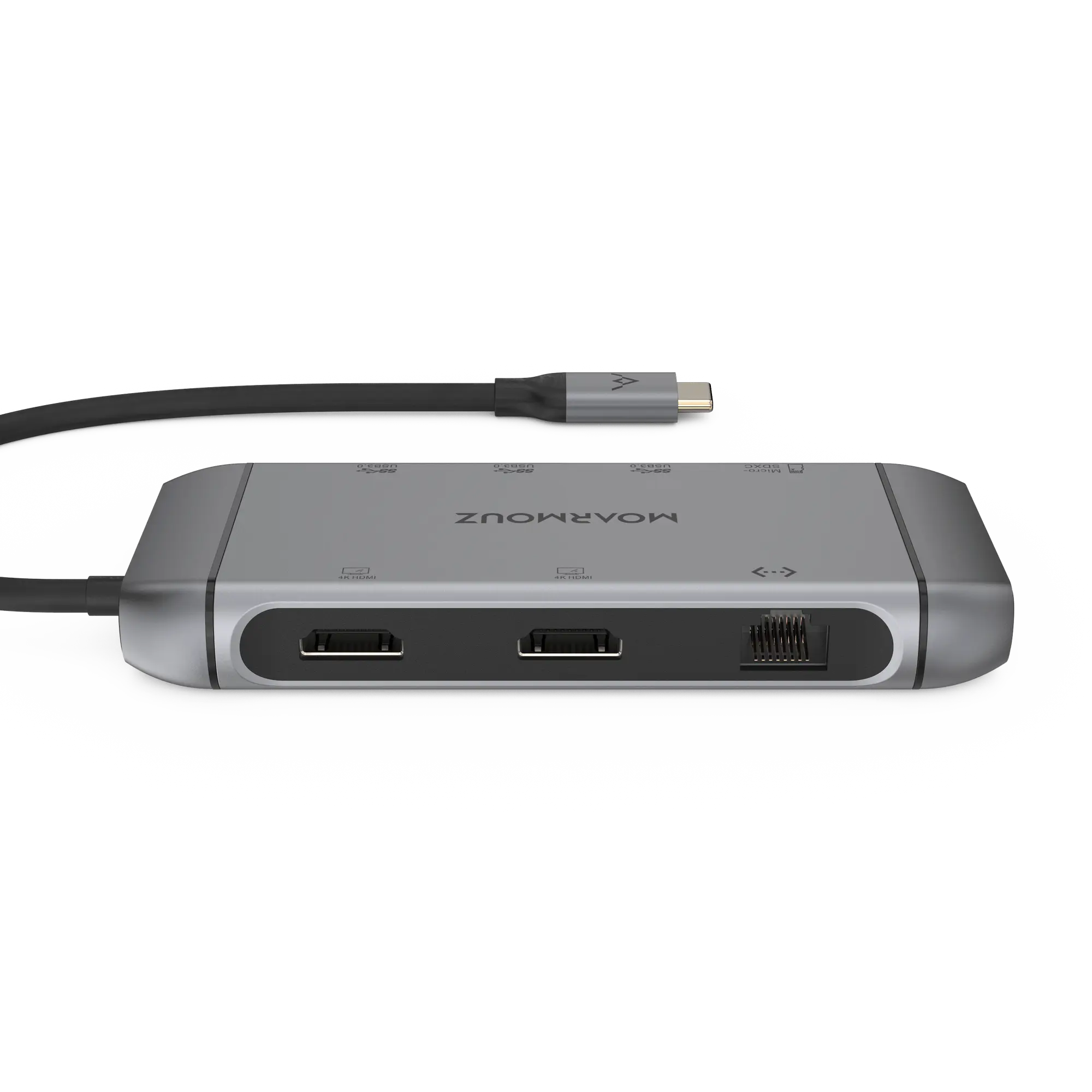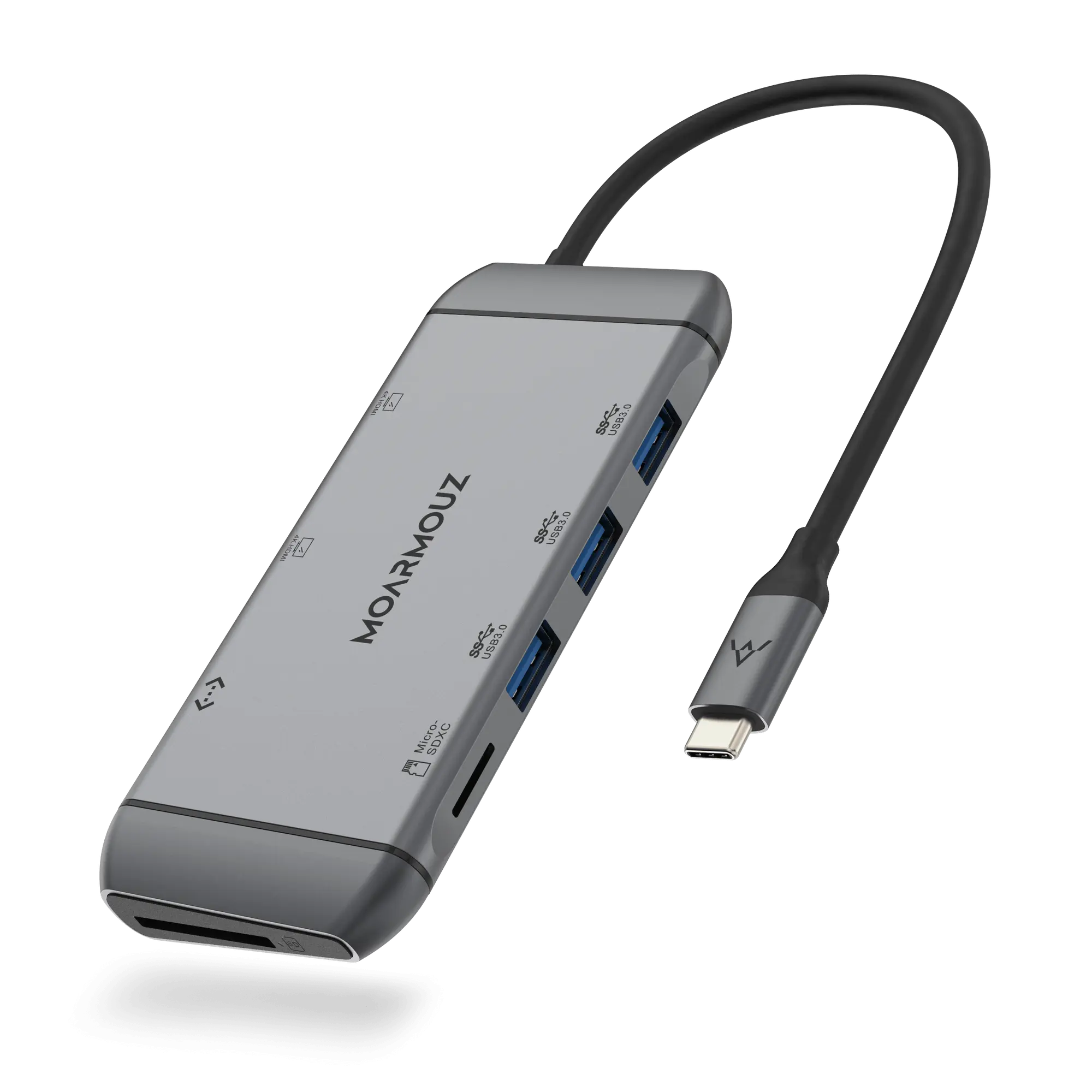
USB-C Hub

Every port your MacBook is missing.

Turn one USB-C port into a display output, extra USB ports and charging pass-through.

Why a hub

Two USB-C ports are never enough

Modern laptops and iPads have one or two USB-C ports. A monitor, a pen drive and a charger already need three.

  • No display outputNo way to connect a TV, projector or monitor
  • Juggling donglesA separate adapter for every device
  • Charging or connectingWithout pass-through you choose one

What the hub does

One USB-C connection gives you display output, USB ports and charging pass-through. The exact ports are listed in the title.

Features

Why this USB-C hub

One connection

Your whole desk through one port

Plug one USB-C cable into your laptop or iPad and get display, USB devices and charging together. The exact ports for this model are listed in Specifications.

  • Display output on every model (HDMI; VGA on some)
  • USB-A ports for drives, mice and keyboards
  • Card readers and Ethernet on selected models
Good to know

Video output needs a USB-C port that supports DisplayPort Alt Mode. Check your laptop or iPad port before you buy.

Keep charging

Charge your laptop while you work

Most models have a USB-C Power Delivery port. Plug your charger into the hub and power passes through to your laptop.

  • PD pass-through on most models
  • Wattage per model in Specifications (for example 60W, 87W or 100W)
Good to know

The hub uses a little of the charger’s power itself, so your laptop receives slightly less than the charger’s rating.

Bigger screen

Present, stream and work on a bigger screen

Connect a TV, monitor or projector over HDMI. Most models output up to 4K; the exact resolution is listed for each model.

  • Mirror or extend your screen
  • Up to 4K on most models (refresh rate in Specifications)
Good to know

4K output on these hubs is typically 30Hz: fine for documents and video, less smooth for fast motion.

Specs

USB-C 9-in-1 Dual HDMI Display Hub

Technical details

Display

• 2 × HDMI

Charging

• Pass-through charging for the laptop

What's in the box

  • USB-C hub1 piece
Works with · 29 models
  • MacBook 12-inchA1534
  • MacBook Air 13 (2019-2018)A1932
  • MacBook Air 13 (M5–M2)A2681, A3113, A3240, A3449
  • MacBook Air 13 M1/2020A2337, A2179
  • MacBook Air 15 (M5–M2)A2941, A3114, A3241, A3448
  • MacBook Pro 13 (2019-2016)A1706, A1708, A1989, A2159
  • MacBook Pro 13” M2A2338
  • MacBook Pro 14 (M5-M1)A2442, A2779, A2918, A2992, A3112, A3401, A3185, A3434, A3426, A3427
  • MacBook Pro 15 w/ TouchbarA1707, A1990
  • MacBook Pro 16A2141
  • MacBook Pro 16 (M5-M1)A2485, A2780, A2991, A3403, A3186, A3428, A3429
  • iPad 10.9 (10th Gen)A2696, A2757, A2777, A3162
  • iPad A16 (11th Gen)A3354, A3355, A3356
  • iPad Air (4th Gen)A2316, A2324, A2325, A2072
  • iPad Air (5th Gen)A2588, A2589, A2591
  • iPad Air 11-inch (2024)A2902, A2903, A2904, A3266, A3267, A3270, A3459, A3460, A3463
  • iPad Air 13-inch (2024)A2898, A2899, A2900, A3268, A3269, A3271, A3461, A3462, A3464
  • iPad Mini 6A2567, A2568, A2569, A2993, A2995, A2996
  • iPad Pro 11-inch (1st Gen)A1980, A2013, A1934, A1979
  • iPad Pro 11-inch (2024)A2836, A2837, A3006, A3357, A3358, A3359
  • iPad Pro 11-inch (2nd Gen)A2228, A2068, A2230, A2231
  • iPad Pro 11-inch (3rd Gen)A2377, A2459, A2301, A2460
  • iPad Pro 11-inch (4th Gen)A2759, A2435, A2761, A2762
  • iPad Pro 12.9-inch (3rd Gen)A1876, A2014, A1895, A1983
  • iPad Pro 12.9-inch (4th Gen)A2229, A2069, A2232, A2233
  • iPad Pro 12.9-inch (5th Gen)A2378, A2461, A2379, A2462
  • iPad Pro 12.9-inch (6th Gen)A2436, A2764, A2437, A2766
  • iPad Pro 13-inch (2024)A2925, A2926, A3007, A3360, A3361, A3362
  • Also fits: Surface Pro 7+, Surface Pro X, iPhone 15, iPhone 15 Plus, iPhone 15 Pro, iPhone 15 Pro Max, iPhone 16, iPhone 16 Pro, iPhone 16 Pro Max, iPhone 16e, iPhone 17, iPhone 17 Pro, iPhone 17 Pro Max, iPhone 17e, iPhone Air, Surface Pro 7, Surface Pro 8, Surface Pro 9, Surface Pro 11, Surface Pro 12, Surface Laptop 3, Surface Laptop 4, Surface Laptop 5, Galaxy Tab S6, Galaxy Tab S7, Galaxy Tab S7 Plus, Galaxy Tab S8+, Galaxy Tab S8 Ultra, Galaxy Tab S9 Ultra, Galaxy Tab S9+, Galaxy Tab S10 Ultra, Galaxy Tab S10+, Surface Laptop Go 2, Galaxy Tab S11, Galaxy Tab S9, Galaxy Tab S8

Model numbers (A1234) are printed on the underside of a MacBook and in Settings › General › About on iPhone and iPad.

Legal Metrology information

Manufacturer/Importer & Packer: Moappz Technologies Private Limited F-7 Basement, Sector-3, Noida - 201301, UP

Details of Items in the Package: USB-C Hub (1N)

Country of Origin: China

Common/Generic Name of the Product: USB-C Hub

Customer Complaints Contact Information: Manager - Customer Support

Phone: 0120-4540911

Email: support@moarmouz.com

Compare

One hub instead of a bag of dongles

How a hub compares with buying single adapters, or using only your laptop's own ports.

FeatureMoarmouz hubSeparate donglesLaptop ports only
Display + USB + charging at onceYes, one connection One job per dongle Not on most USB-C laptops
Things to carryOne hub Several adapters —
Keeps your laptop chargingPD pass-through on most models Each dongle takes a port Only if a port is free
Memory cards and EthernetOn models that include them Separate adapter each Rarely built in

Before you buy

Is this right for you?

Choose this if

  • Your laptop or iPad has only USB-C ports
  • You want to connect a monitor, USB drives and a charger at once

Look elsewhere if

  • Your device's USB-C port does not support video output

Our cover

Covered for a full year

If your hub stops working because of a manufacturing defect within a year of purchase, we repair or replace it. Physical damage, such as cut, bent or burnt connectors, isn't covered.

  1. Email support@moarmouz.com with your order number and photos of the fault
  2. Ship it back to us within 7 days of your claim
  3. We repair or replace it

Questions

Questions, answered

Still unsure? WhatsApp us or call +91 99111 39555, Mon–Sat, 10am–6pm support.

Will it work with my laptop or iPad?

It works with USB-C devices that support video output and data over USB-C. Check that your device's USB-C port supports display output (DisplayPort Alt Mode).

Can I charge my laptop through the hub?

Yes, on models with a USB-C PD port. Connect your charger to the hub's PD port.

Can I connect two monitors?

Dual-display models have two video outputs. Some show the same picture on both screens; the Specifications section explains how your model works. Note that MacBooks with a base M1 or M2 chip support only one external display.

What resolution will I get?

Up to the resolution listed for your hub in Specifications, for example 4K @ 30Hz over HDMI. Your laptop and display also need to support that resolution.

About this product
Plugin and unlock the ultimate convenience. The MOARMOUZ USB C Hub provides a stable connection and increases the productivity of your device by expanding the USB C port to multiple possibilities of connectivity. Keep your laptop charging while still providing power to each external device attached. Extensive compatibility meets every need of almost all USB C devices.

Extremely compact and lightweight, MOARMOUZ USB C Hub is an ideal for everyday carrying, commuting and travelling.